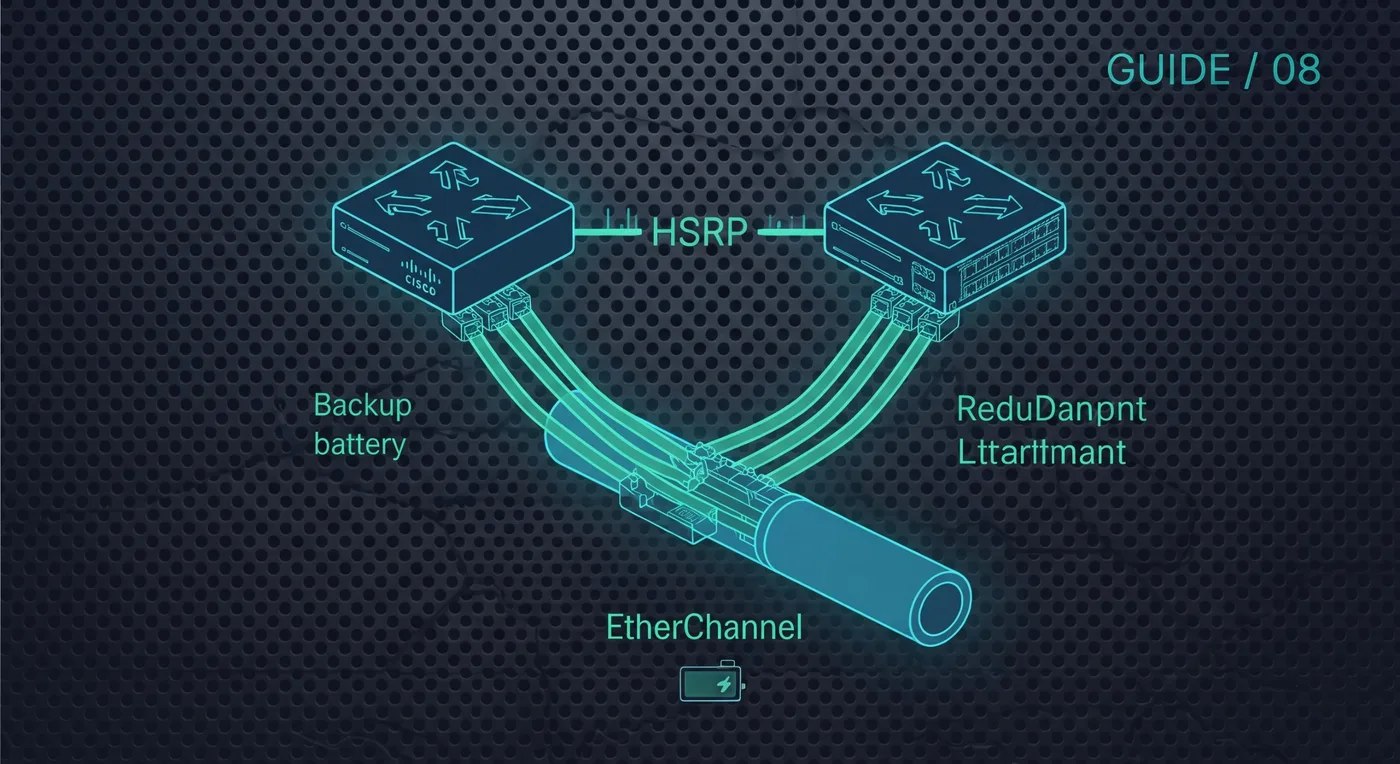
Two ideas keep a network running when hardware fails: a backup default gateway (HSRP) and several physical links bundled into one logical link (EtherChannel).
Want every command on one page? Cisco Networking Guide · $14.99View on Gumroad
HSRP: a shared gateway address
Two routers share a virtual IP. Hosts use that address as their gateway, and the standby router takes over if the active one fails.
R1(config)# interface g0/1
R1(config-if)# ip address 192.168.10.2 255.255.255.0
R1(config-if)# standby 1 ip 192.168.10.1
R1(config-if)# standby 1 priority 110
R1(config-if)# standby 1 preempt
On R2 use its own address (for example 192.168.10.3) with the same standby 1 ip and the default priority of 100. The higher priority becomes active, and preempt lets R1 take the role back after it recovers.
show standby briefEtherChannel: bundle links with LACP
Switch(config)# interface range g0/1-2
Switch(config-if-range)# channel-group 1 mode active
Switch(config)# interface port-channel 1
Switch(config-if)# switchport mode trunk
show etherchannel summary- Use active on at least one side (active/active or active/passive) for LACP.
- Do not mix LACP with PAgP on the same bundle.
- Every member port needs the same speed, duplex and VLAN settings.
Test it. Shut down one member link or the active router in Packet Tracer and watch the traffic keep flowing.