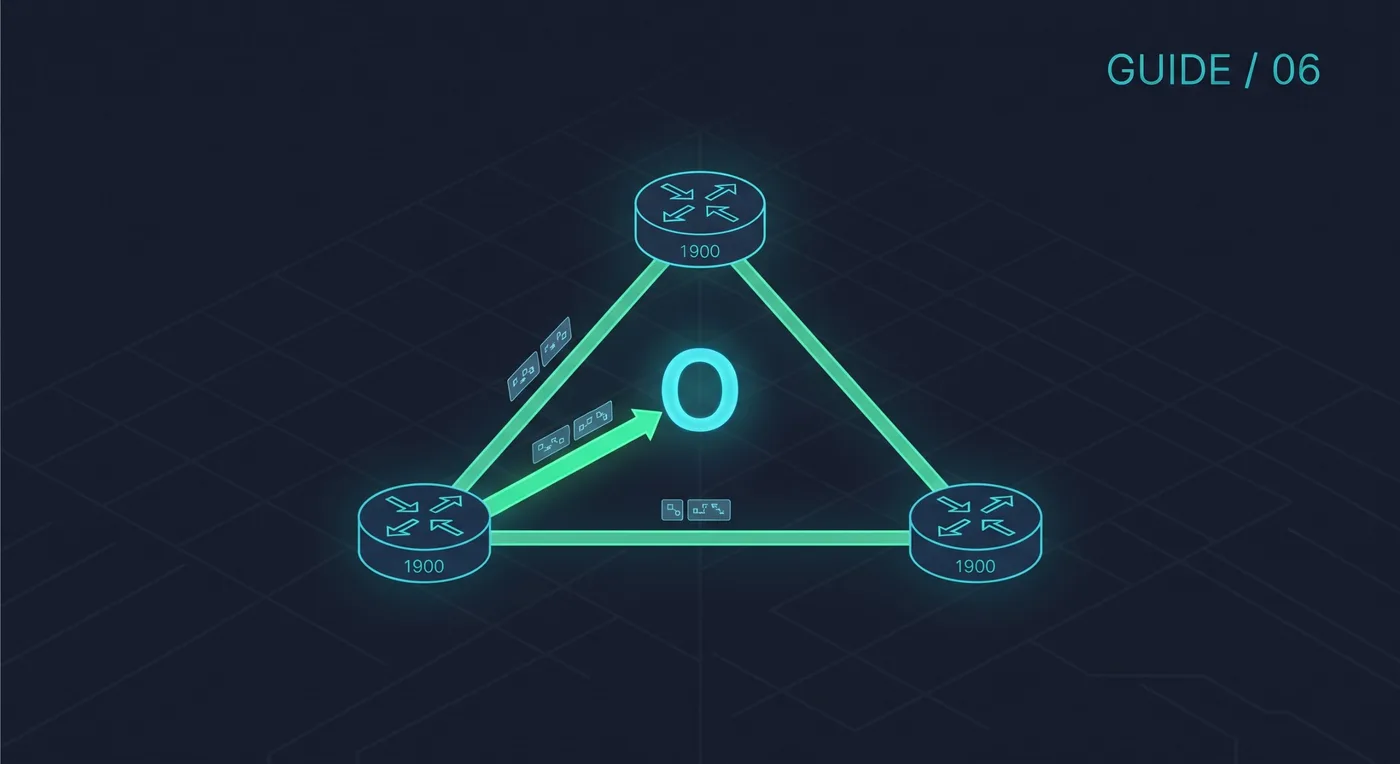
OSPF is a link-state routing protocol. Every router builds a map of the area and calculates the best path itself, so routes adapt automatically when a link fails. A single area is the best starting point for a lab.
Want every command on one page? Cisco Networking Guide · $14.99View on Gumroad
Basic configuration
Router(config)# router ospf 1
Router(config-router)# router-id 1.1.1.1
Router(config-router)# network 192.168.10.0 0.0.0.255 area 0
Router(config-router)# network 10.0.12.0 0.0.0.3 area 0
The network command uses a wildcard mask, which is the inverse of the subnet mask. A /24 uses 0.0.0.255 and a /30 uses 0.0.0.3.
Stop OSPF on the LAN side
Router(config-router)# passive-interface g0/0A passive interface is still advertised but sends no OSPF hellos, so nothing on the user LAN can become a neighbour.
Verify
show ip ospf neighbor
show ip route ospf
show ip protocols
If neighbours do not form
- Both routers must be in the same area.
- Both interfaces must be in the same subnet.
- Hello and dead timers must match.
- The interface must not be shut down or passive.
Set the router-id yourself. It makes the output easier to read and keeps it stable if interfaces change.