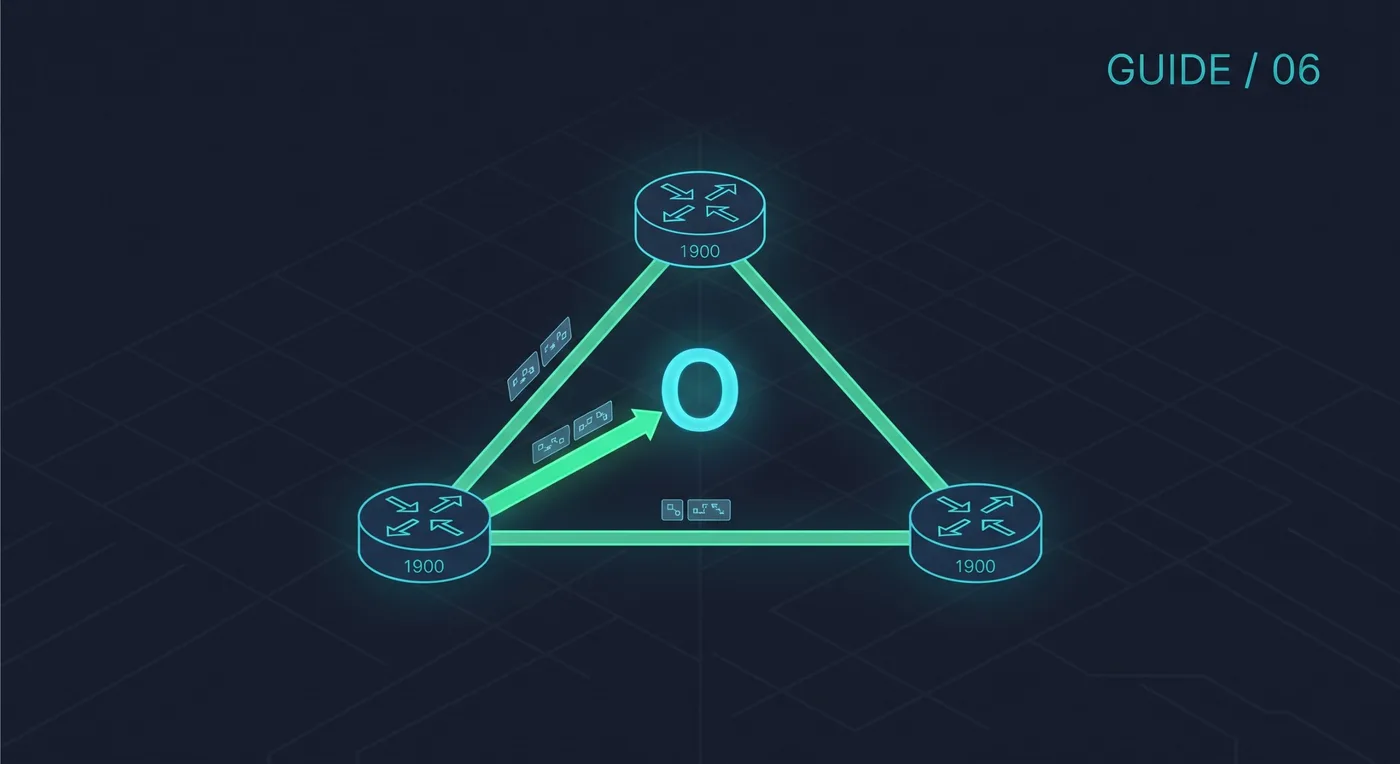
A secure network is planned before it is configured. In Packet Tracer you can practise the whole process: decide who needs to talk to whom, separate those groups, then lock down the devices that connect them.
1. Plan the topology and addressing
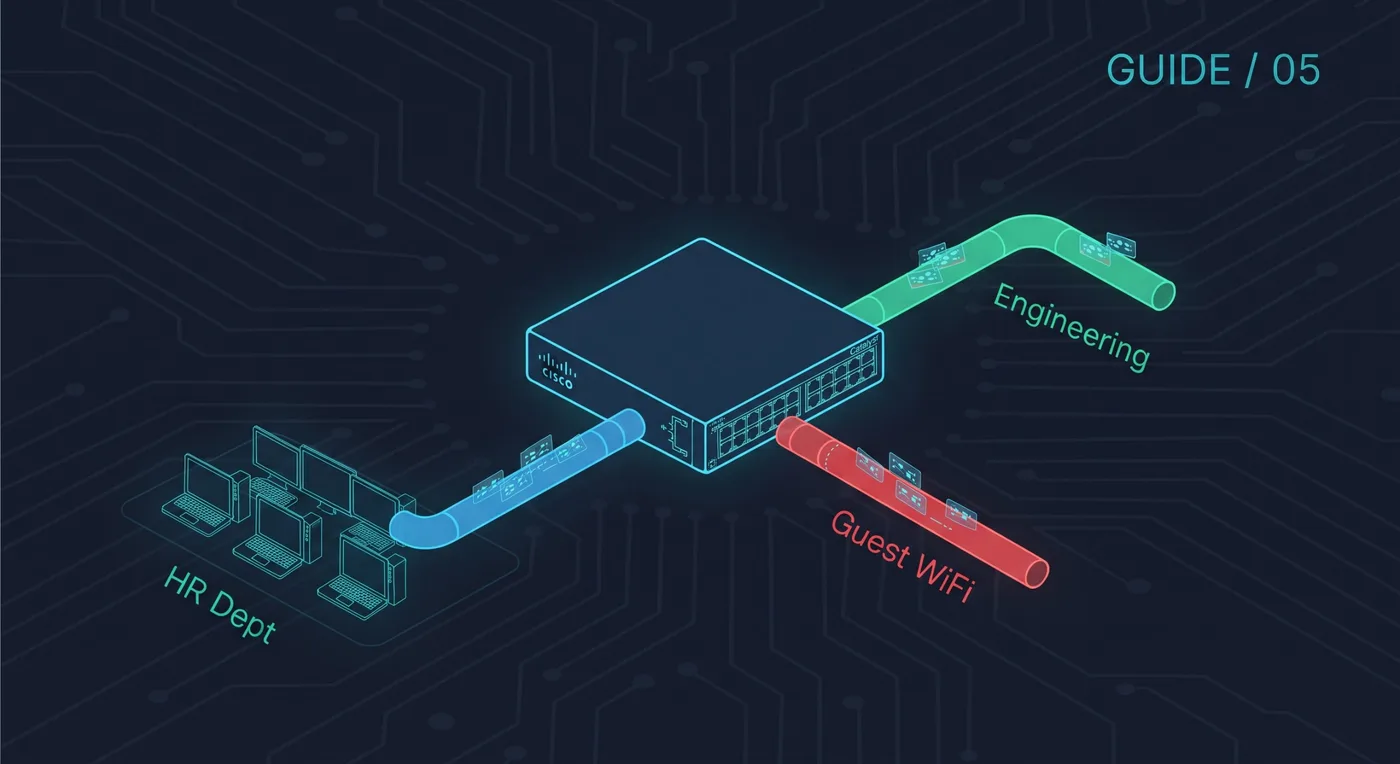
A small enterprise lab needs a router, two or three switches and a few PCs per department. Give every group its own VLAN and subnet:
VLAN 10  Staff     192.168.10.0/24
VLAN 20  Students  192.168.20.0/24
VLAN 30  Servers   192.168.30.0/24
VLAN 40  Guest     192.168.40.0/24
2. Segment with VLANs and router-on-a-stick
Create the VLANs on the switches, put access ports in the right VLAN and trunk to the router. One sub-interface per VLAN acts as the gateway:
Router(config)# interface g0/0.30
Router(config-subif)# encapsulation dot1Q 30
Router(config-subif)# ip address 192.168.30.1 255.255.255.0
The full VLAN and trunk steps are in the VLAN article linked below.
3. Control traffic between segments with an ACL
By default the router lets every VLAN reach every other VLAN. Guests should never reach the servers, so block that traffic and allow the rest:
Router(config)# ip access-list extended GUEST-IN
Router(config-ext-nacl)# deny ip 192.168.40.0 0.0.0.255 192.168.30.0 0.0.0.255
Router(config-ext-nacl)# permit ip any any
Router(config)# interface g0/0.40
Router(config-subif)# ip access-group GUEST-IN in
4. Harden the switches
Switch(config)# interface fa0/1
Switch(config-if)# switchport port-security
Switch(config-if)# switchport port-security maximum 2
Switch(config-if)# switchport port-security mac-address sticky
Switch(config-if)# switchport port-security violation restrict

Switch(config)# interface range fa0/10-24
Switch(config-if-range)# shutdown
Port security limits how many devices can use a port, and shutting down unused ports stops someone plugging into them.
5. Secure device management
Replace Telnet with SSH and protect the privileged mode password:
Router(config)# hostname R1
R1(config)# ip domain-name lab.local
R1(config)# crypto key generate rsa modulus 2048
R1(config)# ip ssh version 2
R1(config)# username admin secret StrongPass123
R1(config)# enable secret AnotherStrongPass
R1(config)# service password-encryption
R1(config)# line vty 0 4
R1(config-line)# transport input ssh
R1(config-line)# login local
6. Test it
- A staff PC can reach the server.
- A guest PC can reach the internet side but not 192.168.30.0/24.
- Telnet to the router fails and SSH works.
- A second device plugged into a secured port is blocked or logged.
Use a stronger password than the examples here. Save the Packet Tracer file after each stage so you can go back if a change breaks connectivity.